
Free load planner for Amazon inbound
See every pallet, container and ULD before you ship.
Import your Seller Central box file. Get pallets built to Amazon's rules, a 3D loading plan for sea containers or air ULDs, and printable pallet sheets for your warehouse team.
- Runs in your browser
- Nothing uploaded
- No sign-up
What it does
From box list to loading plan in a minute
Built for Amazon FBA and AWD sellers, freight forwarders and 3PL teams who need the pallet count, the container and the loading order right the first time.
Pallets to Amazon's rules
Full flat layers, no overhang, part-full layers only on top. Height and weight limits checked for every pallet and stack.
Sea containers in 3D
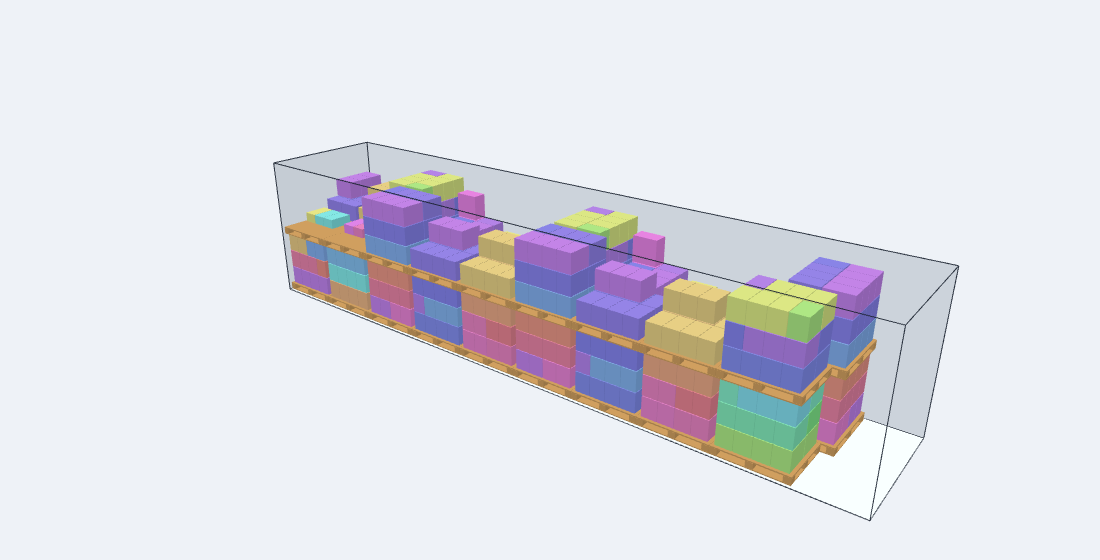
20', 40', 45' dry, high cube, reefer, open top and flat rack. Two floor patterns, stacking, door height and payload checks.
Air ULDs with contours
PMC, PAG, PLA pallets and LD3, LD8, LD11 containers. Tall pallets go where the contour allows, anything outside shows in red.
Floor-loaded cartons
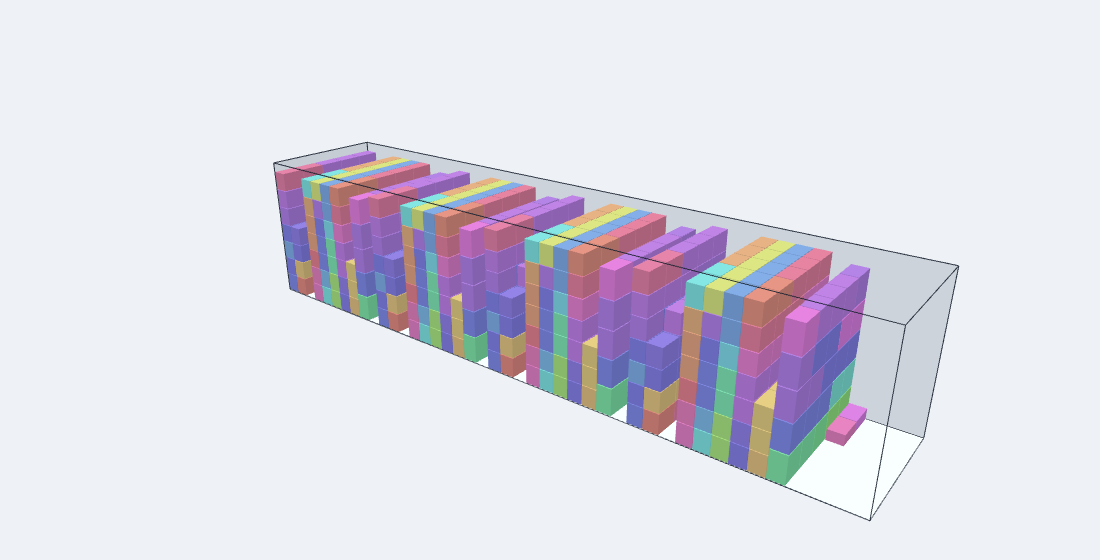
No pallets? Plan loose cartons in walls from the front wall to the doors, with box numbers for every wall.
Sea vs air
The same boxes planned both ways: containers, cubic metres, chargeable weight, and a rough cost from your forwarder's rates.
Print, Excel, share
Pallet sheets with box numbers per layer, a loading plan PDF with 3D views, Excel export, and a share link that holds the whole plan.
Sea freight
Know how many containers you need, and how to load them
Every pallet gets a floor spot, a stack partner and a load number. Walk the plan with your loading crew: bottom pallet first, front wall to doors.
- Straight rows or two lanes, side by side, with the container count for each
- Stacks of two within the stack height and weight you set
- Volume, floor and payload used, plus the weight centre along the container
- Step-by-step 3D loading you can play, pause and click
Air freight
Build up air pallets that fit the aircraft contour
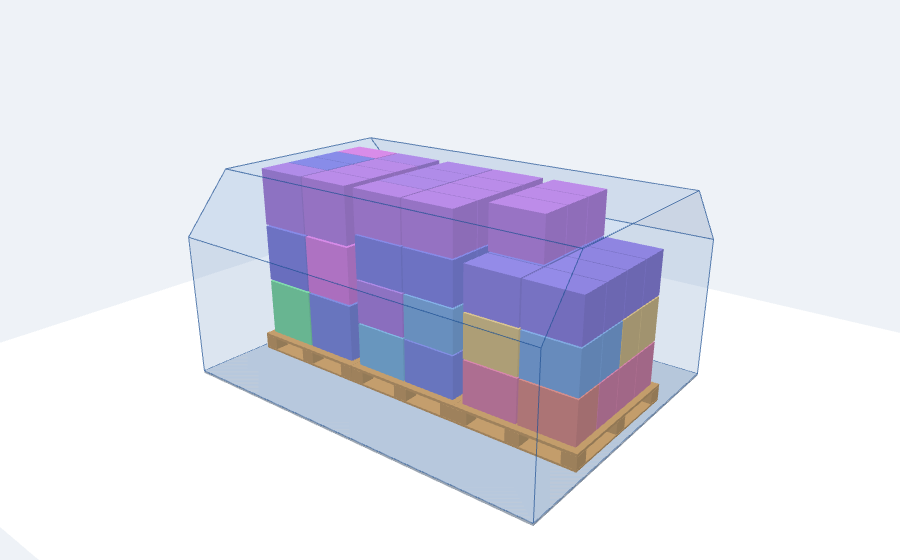
Main deck and lower deck contours slope at the top edges. The planner puts the tallest pallets where they fit and tells you when a ULD runs out of room.
- Top view and contour end view for every ULD
- Chargeable weight with the 6000 or 5000 volume divisor
- Compare every ULD type for the same pallets
- Gross weight checked against each ULD's maximum
How it works
Three steps
No account and no upload. Your project is saved in your own browser, and you can save a copy as a file at any time.
Import your box file
Use the same Excel file you upload to Seller Central (SKU, units per box, boxes, box size and weight), or type the lines in.
Pick sea or air
Choose a container or ULD and your pallet limits. Compare the options side by side and pick the one with the fewest containers or the lowest cost.
Print and share
Print pallet sheets for the warehouse, export to Excel for your forwarder, or send a link that opens the same plan.
FAQ
Questions
Is it free? Do I need an account?
Yes, it's free and there is no account. Open the planner and start.
Where is my shipment data stored?
Only in your own browser. Nothing is sent to a server. A share link holds the plan inside the link itself, so only people you send it to can open it.
Which file can I import?
The Amazon inbound box file (.xlsx or .csv) with columns like Merchant SKU, Units per box, Number of boxes, Box length, width, height and weight. Inches/pounds and centimetres/kilograms are both read from the column headings.
Are the container and ULD sizes exact?
They are typical values. Containers vary by owner and build year, and air contours vary by aircraft type and position. Always confirm the final plan with your forwarder or airline.
Does it work on a phone?
Yes. The 3D views rotate with a finger and pinch to zoom. For long shipments a laptop is easier.
What happened to the old version?
Version 1 is kept unchanged at pallet.hexaecom.com/v1/ as a fallback. Projects saved in v1 open in the new planner automatically.
Plan your next shipment
Try it with the built-in demo shipment, then import your own file.